
Searching for a Warrant in Massachusetts
No single public lookup covers Massachusetts. A warrant search here runs through several official channels instead of one statewide name form. WMS holds arrest- and default-warrant data, but only court staff, law enforcement through CJIS, and the Registry of Motor Vehicles can reach it. Start with the issuing Clerk-Magistrate or clerk for the warrant docket and any recall entry. Massachusetts offers no public sheriff-wide warrant search and no general JP or town-court lookup tier, so the clerk is the practical first stop for anyone checking outstanding warrants.
- Identify the Massachusetts court from a notice, citation, docket number, town, or case type. If the division is unclear, use the official Trial Court courthouse finder to reach its clerk.
- Use MassCourts for Massachusetts public docket context only. Remote criminal-case search requires an exact number, not a defendant-name warrant search.
- Call or visit the Massachusetts issuing Clerk-Magistrate or clerk. Ask about active-warrant status, the session handling the case, and how recall appears on the court record.
- For warrant-service questions, ask which Massachusetts police department is assigned, then use the county directory for local court and sheriff resources. It is not a shared county warrant search.
- For a traffic citation, check Massachusetts RMV balances separately and ask the issuing court about warrant status. If a warrant is confirmed, ask an attorney or clerk about appearance and resolution steps.
Massachusetts WMS Is Not a Warrant Search
Massachusetts keeps its warrant records inside a system the public cannot query. M.G.L. c.276 §23A requires the Massachusetts Trial Court to maintain WMS. Yet the system offers no public name search. There is no county selector and no result page. No active-warrant count appears anywhere public. Court staff, law enforcement through CJIS, and RMV users hold authorized access. The Department of Criminal Justice Information Services supports CJIS but runs no public warrant query of its own. The statute spells out what WMS stores: name, last known address, birth date, physical descriptors, aliases, the offense, felony or misdemeanor class, and the police department assigned to serve the warrant. Those are internal fields, not public warrant-search filters. A Massachusetts Trial Court clerk enters each warrant and later records its recall or removal for CJIS transmission. The state publishes no update schedule, no coverage map, no record count, and no warrant-number format. The Massachusetts WMS statute describes the record system in full. A records request to DCJIS or State Police reaches only what that agency holds; it cannot query CJIS or recall a court warrant. For the court-to-CJIS route, the Massachusetts Warrant System guide walks through the details.
Warrant Search Fields Explained
WMS carries no public warrant-search fields in Massachusetts. The docket controls described below belong to MassCourts, and they locate a court case rather than an active warrant. The official interface does not confirm every live dropdown value or required selector, so preserve docket letters, spaces, and leading zeroes when you search. The Massachusetts Trial Court instructions lay out the available search tabs on the court's own page.
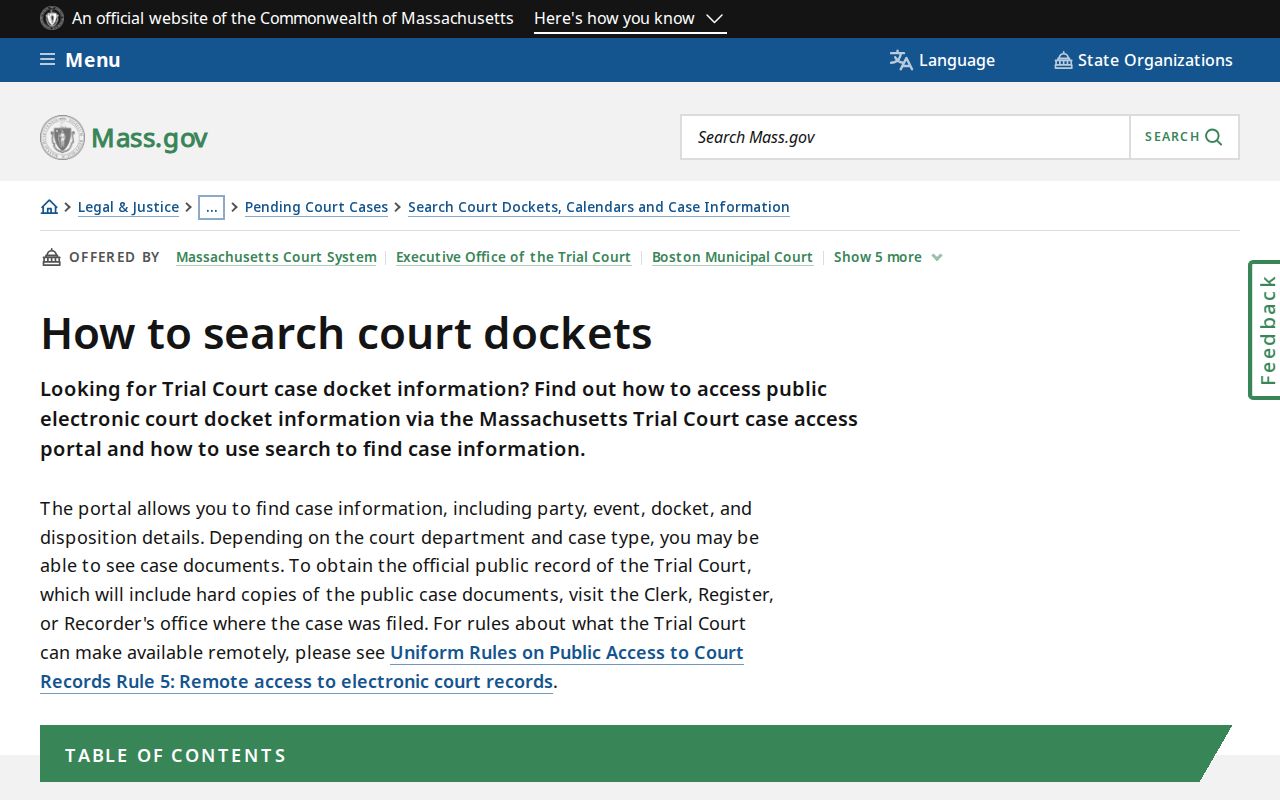
These Massachusetts search controls open case access only; they never expose WMS or confirm an active warrant.
| Field Label | Type | Required | Notes |
|---|---|---|---|
| CAPTCHA | Verification step | Yes | Complete the check before opening the public Massachusetts docket search. |
| Court department | Selector | As offered | Choices depend on the Massachusetts court portal's available departments. |
| Court division and location | Selector | As offered | Options depend on department; a Massachusetts location may fill automatically. |
| Number of results | Optional control | No | Changes docket-search volume, not warrant-record coverage. |
| Last name / first name | Name tab | Tab-specific | Massachusetts remote name search covers civil cases. Last name needs 2 characters and first name 1; follow the guide's capitalization rule. |
| Case type and date range | Case Type tab | Tab-specific | Choose a case type; the date span cannot exceed 30 days and does not search warrants. |
| Case number | Exact text | For remote criminal docket lookup | Use the complete Massachusetts docket number, preserving letters, spaces, and leading zeroes. |
| Ticket / citation number | Ticket/Citation tab | Not specified in guide | Shows citation context only; it cannot verify a Massachusetts warrant. |
A Massachusetts District Court docket number combines year, court code, case type, and sequence. That identifier is a case number, not a warrant number, and the state publishes no public WMS ID or warrant-status filter.
MassCourts in a Massachusetts Warrant Check
MassCourts is the Massachusetts Trial Court's public docket service, not a warrant-search portal. Remote criminal lookup requires an exact case number. Name search covers civil cases only. Public entries may show parties, events, or dispositions, but they never carry a complete or live active-warrant status. A blank entry screen is not a blank warrant result, because MassCourts simply has no public warrant search. The official Massachusetts MassCourts portal opens at a general public-search entry point.
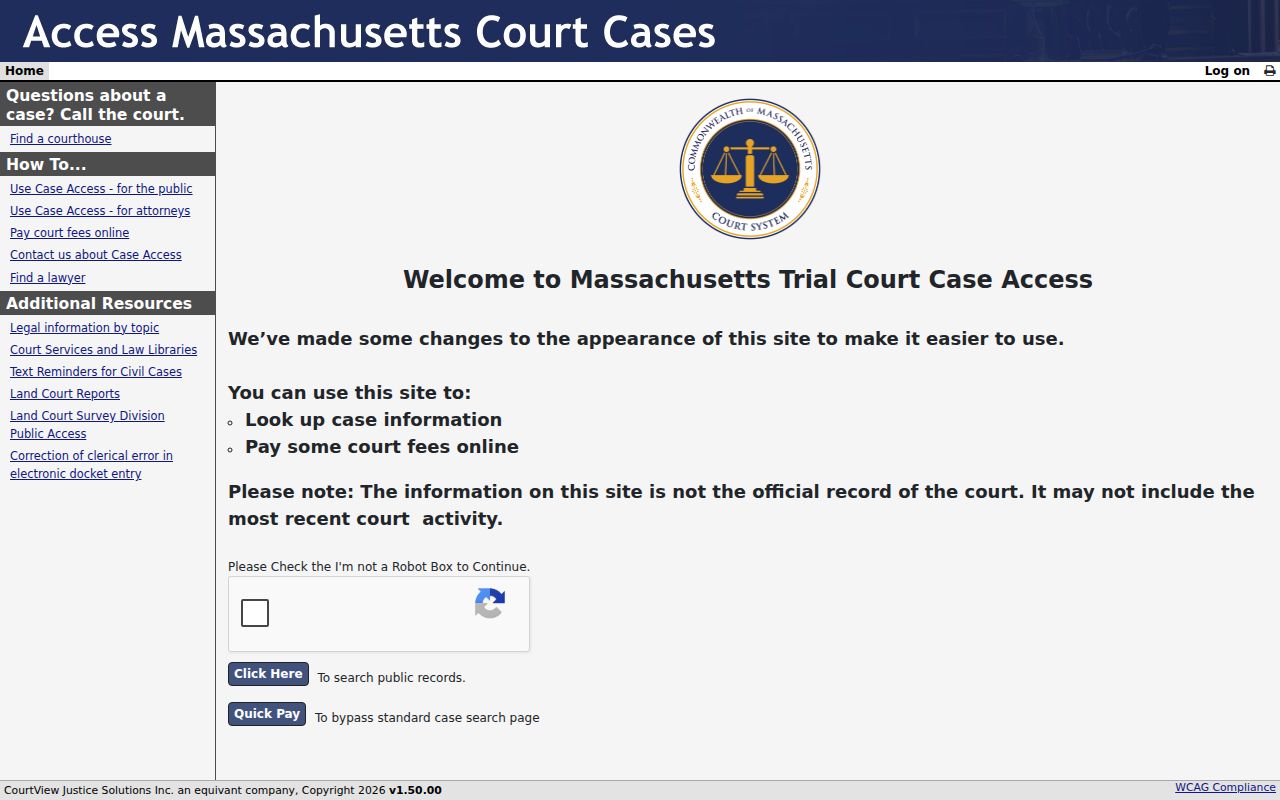
Use a Massachusetts docket to identify the case and its court. Confirm active-warrant status and any recall with the issuing clerk, even when the public record looks current. The clerk's answer is the one that counts. Note: a case number can open a public criminal docket, but a name-only online search cannot confirm whether a Massachusetts warrant exists.
What a Warrant Search Shows
Massachusetts publishes no WMS result page and no public warrant-record schema. A public docket can still be useful. It may show a case number, division, parties, charge, events, or disposition, and it may record a default or warrant event. It will not show the warrant itself, the service assignment, an address, a birth date, a bail decision, or confirmed active status. WMS fields stay internal. Treat a docket event as a lead, not an answer, and ask the Massachusetts issuing court to interpret it and confirm recall. One more wrinkle: a Massachusetts District Court case number follows a published pattern, but the state has no public warrant-number format for comparison.
| Case number | Identifies a Massachusetts court case where access permits; it is not a warrant number. |
|---|---|
| Court and division | Shows where the Massachusetts warrant case is docketed and which clerk to contact. |
| Party and charge | May appear in a public warrant-related docket, subject to record-access limits. |
| Events and disposition | Massachusetts docket events may explain a default or hearing, but cannot confirm live warrant status. |
| Warrant ID, service, or bail | No public Massachusetts result schema was found; ask the issuing court. |
| Recall or removal | The Massachusetts clerk records warrant changes in WMS. Get confirmation from that court; a missing docket event is not proof of recall. |
Note: a Massachusetts docket event may describe a warrant-related hearing without showing WMS service details or current status.
A Blank Massachusetts Docket Is Not Clearance
A blank Massachusetts name search cannot clear an active warrant. Remote criminal-name searches are restricted. WMS stays private. Sealed, impounded, and juvenile records carry separate access limits of their own. A missing docket may just mean a wrong number or the wrong department, so it proves neither the presence nor the absence of a warrant. Massachusetts Rule 1 presumes court records open unless law or court order restricts access. Search-warrant affidavits generally become public after return unless restricted, though they are not arrest-warrant checks. The impoundment rule and Rule 5 set out the details. An empty MassCourts result or an absent State Police profile is not warrant clearance, so ask the issuing court to confirm status.
Where to Check Warrants in Massachusetts
In Massachusetts, the court that issues a warrant keeps the docket and handles any recall. Service falls to others. Police, sheriffs, constables, or state officers may execute it. County sheriffs in Massachusetts run no public statewide registry, and court venue does not always follow county lines. Boston Municipal Court covers Boston and Winthrop. Most other town-ordinance matters go to District Court instead. Massachusetts has no general JP tier or town-court search, so the practical move is calling the issuing Clerk-Magistrate or clerk directly. The county directory for Massachusetts lists local court and sheriff pages, not warrant results.
| Channel | Useful for | Limit |
|---|---|---|
| Issuing court clerk | Warrant status and recall procedure | Must hold the Massachusetts case |
| MassCourts | Public docket and warrant-event context | No complete active-warrant result |
| Local police or sheriff | Massachusetts warrant-service logistics where assigned | No shared statewide warrant search |
| MSP public-records office | State Police-held records | Not a live WMS warrant query or recall |
| RMV | Traffic citation payment and account information | Not Massachusetts court-warrant status |
Note: A Massachusetts warrant record, assigned service agency, and RMV account are separate channels.
Massachusetts Warrant-Check Details to Gather
Before calling about a Massachusetts warrant, gather a few details. Bring the exact name on the court papers, a birth date, and any docket or citation number. Add the approximate date, the court or town, and any notice received. Residence county alone can mislead, since Massachusetts court divisions cross county lines. Ask the clerk about active-warrant status, the session, judicial review, and how a recall gets entered in WMS. For a jury default, follow the Massachusetts jury-warrant instructions; that route does not cover every criminal, traffic, or family warrant.
Restricted Warrants and Access Rules
Access to Massachusetts warrant records depends on the record type and the court's rules. A public docket is not the whole file. Not every warrant document appears online. Juvenile matters in Massachusetts are generally confidential, and a court may impound or seal records. No single statewide rule hides every unserved warrant. The Massachusetts Public Records Law, M.G.L. c.66 §10, covers agency-held records and requires a reasonably described request. The initial response is generally due within 10 business days, though exemptions apply. A §10A appeal concerns access, not warrant recall. For live status, contact the issuing court rather than asking MSP or DCJIS to query CJIS.
Access boundary:
Massachusetts has no public WMS warrant search, so a blank statewide page cannot be a result.
Massachusetts juvenile confidentiality and court orders can restrict a warrant-related case record.
A Massachusetts public docket or fugitive list cannot clear an active warrant; ask the issuing court.
For agency-held Massachusetts records, contact the office holding them. A Massachusetts State Police report request is not a court warrant-file request, and the public-records statute creates an access process, not a WMS warrant-search right.
Massachusetts Warrant Access at Court Terminals
A Massachusetts courthouse terminal reaches more case names than the remote criminal-name search. It has limits. Terminals search public court records, not WMS warrant records, so an entry is not final live-status confirmation. Ask the clerk about restricted access. The official Massachusetts courthouse-terminal information describes that in-person route.
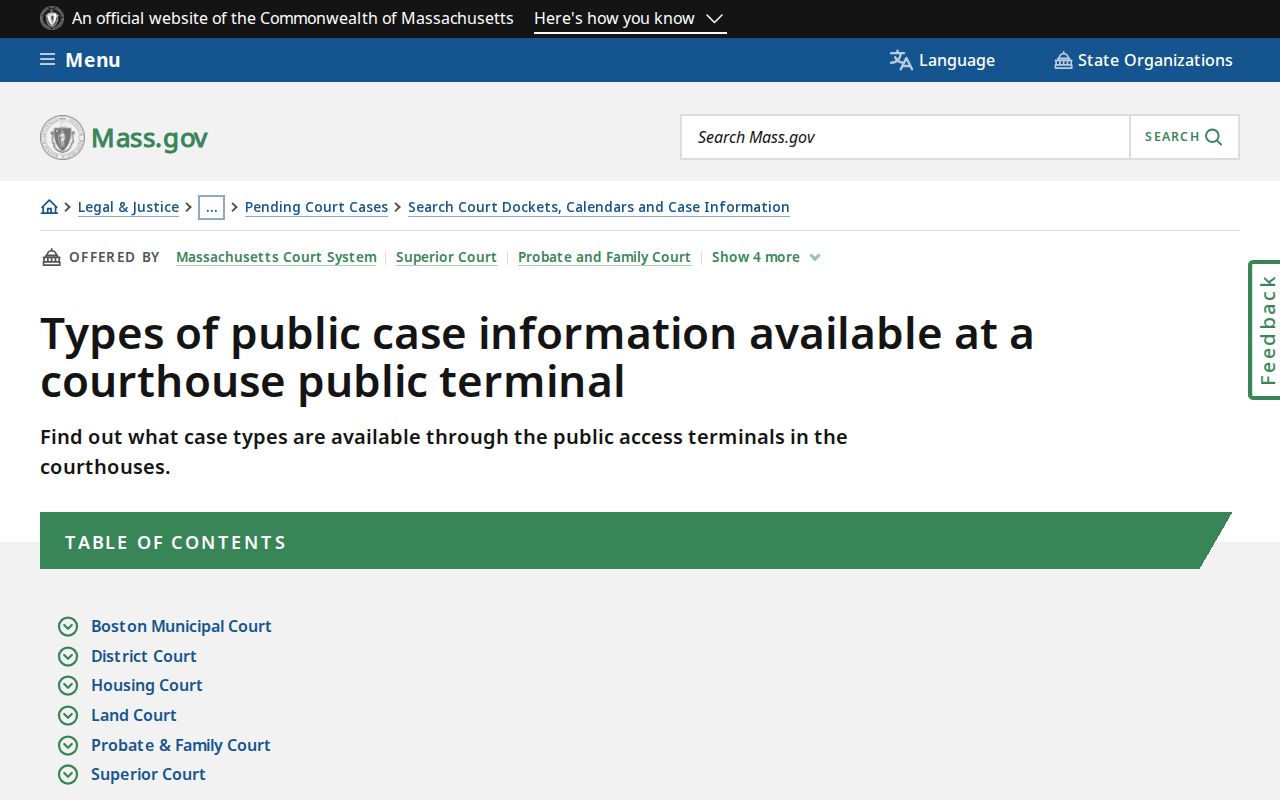
Use a terminal to find the court entry. Then ask the issuing Clerk-Magistrate or clerk to confirm Massachusetts warrant status and recall. The Massachusetts Trial Court spans 62 District Court divisions and 8 Boston Municipal Court divisions, plus Superior, Juvenile, Housing, and Probate & Family departments. Origin and case type, not county, identify the clerk.